Key Insights
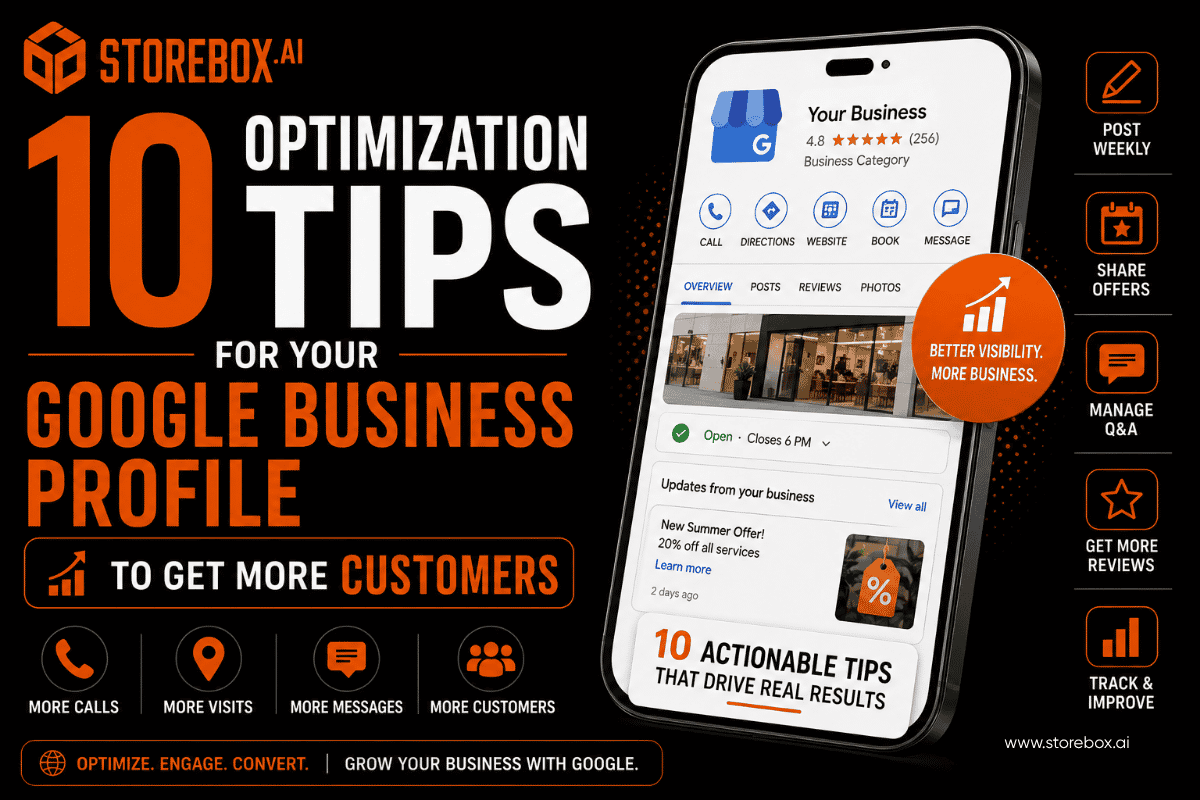
10 Google Business Profile optimization tips for 2026: posts, booking, Q&A, messaging, offers, and reviews strategies that turn views into actual customers.
Expand key insights
- A complete Google Business Profile and an active one are not the same thing. Most businesses fill out every field once at setup and never touch the features designed to keep generating calls and visits after that.
- Google Business Profile posts are one of the most underused features on the entire platform. Businesses that post weekly consistently outrank near-identical competitors who set up their profile and walked away.
- The Q&A section is public and searchable, and almost nobody seeds it themselves. Leaving it empty means a competitor's Q&A section, or a random stranger's guess, gets to answer questions about your business instead of you.
- Google explicitly states there's no way to pay or request a better local ranking. Ranking comes down to relevance, distance, and prominence, three factors Google has confirmed directly, and most of what improves them is inside your own control.
- Offering incentives for reviews is a common tip floating around small business forums, and it's against Google's guidelines. Asking for reviews is fine and encouraged. Offering a gift card in exchange for one risks the review being removed and your profile being flagged.
- Call tracking and direction request data tell you which parts of your profile convert, not just which ones look nice, and almost nobody checks this data more than once.
Table of Contents
- 1. Post Weekly, Not Once a Quarter
- 2. Match the Post Type to Your Goal
- 3. Set Up Your Booking Button
- 4. Track Calls and Direction Requests
- 5. Turn Q&A Into a Lead-Capture Tool
- 6. Use Messaging for Leads, Not Just Questions
- 7. Use Offers to Create Urgency
- 8. Fill Out Products and Services in Detail
- 9. Write a Description That Converts
- 10. Respond to Every Review, Never Pay for One
- Is Your Profile Fully Set Up First?
- Where This Fits Into Your Broader Strategy
- Frequently Asked Questions
Filling out a Google Business Profile once and calling it done is like opening a store, hanging a sign, and never turning the lights back on after closing. Most business owners treat their profile as a one-time setup task. Google treats it as a living listing, and it rewards the ones that keep showing signs of life. If you're searching for how to optimize Google Business Profile beyond the basics, this is that list.
This list covers ten specific ways to turn a complete profile into an active one, the kind that generates calls, direction requests, and messages, not just views, and it doubles as a practical how-to-optimize-Google-Business-Profile playbook once your foundation is already solid. If you haven't checked whether your profile is fully set up in the first place, our Google Business Profile audit checklist covers that foundational work first. This guide picks up from there, focused entirely on how to get more customers from Google Business Profile once the setup is right.
1. Post Weekly, Not Once a Quarter

Prominence signal
Google Business Profile posts are small updates that appear directly on your listing, and they're one of the most underused features on the platform. A verified SEO professional on Reddit summed up the standard that consistently works.
Weekly is the benchmark worth aiming for. A new offer, a completed job, a seasonal reminder, a quick tip related to your service. If you're unsure how to use Google Business Profile posts effectively, start there: content matters less than consistency. A profile with regular posting activity signals to Google that the business behind it is active, and that signal plays directly into how Google evaluates prominence.
2. Match the Post Type to Your Goal

Higher engagement per post
Not every post should look the same. Google Business Profile offers a few distinct post formats, and each one is built for a different job. This is also one of the few Google Business Profile ranking factors you can influence daily rather than waiting on.
| Post type | Best for | How often to use it |
|---|---|---|
| Update | Announcements, new services, general news | Weekly |
| Offer | Discounts, limited-time promotions | As needed, with a clear expiration date |
| Event | Workshops, open houses, seasonal events | Ahead of the actual date, with a reminder closer to it |
| Product | Highlighting a specific item or service | Ongoing, rotate featured items |
Every post should include one clear call to action, something like "Call Now," "Book Today," or "Learn More." A post without a next step is just a photo with no purpose.
3. Set Up Your Booking Button So It Gets Used

Removes friction
Setting up a Google Business Profile booking button, if your business type supports direct booking, removes an entire step between someone finding you and someone becoming a customer. A visible booking button on your profile is one of the lowest-effort, highest-impact changes on this list, and it's often left off because nobody went looking for the setting.
4. Set Up Call Tracking and Watch Direction Requests

Shows what's converting
Views are the easiest number to look at and the least useful one on its own. Someone can view your profile without doing anything with it. Calls, direction requests, and website clicks are the numbers that tell you whether your profile is converting attention into customers.
Google's own Performance section shows exactly this data, including direction requests, and most business owners open it once, if ever. If you've been asking why your calls have dropped, or wondering how to get more calls from your listing in general, this is the first place to look before assuming your ranking dropped. If your view count is healthy but your call count is flat, your listing is being found but isn't giving people a reason, or an easy enough path, to act. That usually points back to a missing booking button, an unclear service description, or a phone number that isn't prominent enough.
5. Turn Your Q&A Section Into a Lead-Capture Tool

Controls the narrative
Google Business Profile Q&A is public, searchable, and almost always left empty by the business it belongs to. That's a mistake, because anyone can ask a question there, including a competitor testing what shows up, and anyone can answer it, including a stranger with no relationship to your business.
Seed it yourself. Add the four or five questions you get asked most before someone books, things like "do you offer emergency appointments," "is there parking on site," or "do you accept walk-ins." Answer them yourself, in your own voice. This turns a passive information section into an active part of your lead generation strategy, answering objections before a hesitant customer has to ask.
6. Use Messaging for Leads, Not Just Questions

Captures leads who won't call
If messaging is available for your business category, turning it on gives you a direct line to the exact customer who wants to ask one quick question before calling. This is often the person closest to booking and least willing to pick up a phone to get there. A disabled messaging feature is a closed door most owners didn't mean to close, and an enabled one that goes unanswered for days is nearly as bad. Enabling it is also one of the simplest ways to increase clicks, since it gives hesitant browsers a lower-commitment first step than calling. Treat it like a real inbox, not an afterthought.
7. Use the Offers Feature to Create Urgency, Not Just List Discounts

Creates urgency
The Offers feature lets you post time-bound promotions directly on your profile, and the time-bound part is what makes it work. A generic "10% off" with no deadline reads like background noise. "10% off through the end of the month" gives someone a reason to act today instead of bookmarking it for later. Rotate offers seasonally rather than leaving one stale promotion running indefinitely.
8. Fill Out Products and Services With Real Detail

Answers pricing upfront
The Google Business Profile products feature is where a lot of businesses stop at the bare minimum, a one-line description with no pricing and no image. A Reddit commenter with direct experience running local profiles put it simply.
You don't have to publish exact pricing if that doesn't fit your business, but a rough range removes friction for someone deciding whether to reach out. Photos next to each listed service or product help too, since this section often becomes the first thing a customer scans before reading anything else.
9. Google Business Profile Description Tips That Convert

Converts snippet views
If you're looking for how to write a Google Business Profile description that works, start here: most descriptions read like a mission statement. The ones that convert read like an answer to "why should I pick this business." Lead with what you do, who you do it for, and where, in the first sentence. You have 750 characters, and the first 250 are what shows up in a search snippet, so put the specific, useful information there rather than saving it for the end.
✗ Generic
"We pride ourselves on quality service."
✓ Specific
"Same-day appointments for [service] in [city], with transparent pricing before you book."
10. Respond to Every Review, and Never Pay for One

Builds trust
Reviews remain one of the strongest trust signals on your profile, and how you handle them matters as much as how many you collect.
Should I respond to negative reviews? Yes, every time. A thoughtful, calm reply to a negative review does more for a future customer's confidence than the review itself would have without it.
Still not getting the calls you'd expect?
It might be time to look at whether the website behind your listing is doing its part.
Is Your Profile Fully Set Up First?
Everything above assumes the foundation is solid: verified status, the correct category, consistent name and address details, and no duplicate listings competing against you. If you haven't checked that yet, these active-use tips will underperform no matter how well you execute them. Google's own guidance on improving local ranking lays out the ranking factors directly: relevance, distance, and prominence, and all three depend on accurate, complete business information first. These ten tips are Google Business Profile best practices for the layer that sits on top of that foundation.
Our Google Business Profile audit checklist covers that foundational work in full: verification, category selection, NAP consistency, how many photos to add, and the specific mistakes that risk suspension. Run through that first if you haven't, then come back to this list for the features that turn a correct profile into an active one.
For the deeper mechanics behind how Google sources business information and how verification works, Google's own documentation is worth reading directly rather than relying on secondhand summaries, ours included.
Where This Fits Into Your Broader Local Search Strategy
A well-used Google Business Profile is one piece of a larger picture. It works alongside your website, not instead of it.
GBP and a Real Website, Together
Does Google Business Profile affect my website ranking directly? Indirectly rather than automatically is the honest answer, and our guide on Google Business Profile vs a real website covers exactly how the two reinforce each other. If you've already checked everything on this list and your business still isn't showing up where you'd expect, our guide on why your business isn't showing up on Google covers the other common causes, and our complete local SEO guide ties the whole strategy together.
The AI Search Layer
AI tools are increasingly part of this picture too. What ChatGPT and Google's AI Overviews pull from your profile when someone asks a conversational question is covered in how to show up in AI results and answer engine optimization for small business.
Industry-Specific Guides
Specific industries carry their own local ranking quirks worth knowing.
Learning how to turn Google Business Profile views into customers, rather than just how to get more views in the first place, is really what this whole list comes down to. Here's the short version.
| Tip | What it fixes |
|---|---|
| Post weekly | Prominence signal, keeps listing active |
| Match post type to purpose | Higher engagement per post |
| Set up booking button | Removes friction between finding you and booking |
| Track calls and direction requests | Shows what's converting |
| Seed your own Q&A | Controls the narrative before customers ask |
| Enable and monitor messaging | Captures leads who won't call first |
| Use time-bound offers | Creates urgency instead of passive discounts |
| Detail products and services | Answers pricing and scope questions upfront |
| Rewrite your description | Converts snippet views into clicks |
| Respond to every review | Builds trust without violating guidelines |
A properly maintained Google Business Profile paired with a website built to support it tends to outperform either running alone. See what that combination could look like for your business.