Key Takeaways
Local SEO for multi-location businesses: the structural failure modes that don't show up until location three, and how to avoid them.
Expand key takeaways
- Google requires one Business Profile per physical location. A single generic listing covering several addresses only ever competes in one market while the rest stay invisible.
- Duplicate or barely-changed location page content is one of the fastest ways to suppress rankings across an entire multi-location site, not just the copied pages.
- Each location's address has to be a real, staffed location. PO boxes and unstaffed virtual offices get profiles suspended.
- Businesses that keep every listing accurate and complete see meaningfully higher engagement than ones that don't, according to Birdeye's 2026 State of Google Business Profiles report.
- Franchise operators face a specific tension between consistent branding and letting each location's page reflect what's true about that particular location.
- Storebox's Pro plan is built around this exact structure, with a dedicated page and reporting for every location instead of one generic site trying to cover all of them.
Table of Contents
- Why Multi-Location SEO Is a Different Problem
- Managing Multiple Google Business Profiles
- Location Pages: Structure and Content
- Avoiding Duplicate Content Across Locations
- Franchise-Specific Local SEO
- Ranking in Multiple Cities and States
- Common Multi-Location SEO Mistakes
- Tools, Agencies, and Done-for-You Options
- Frequently Asked Questions
Running seo for multiple locations is not the same job as running local SEO once and repeating it five times. Multi location local seo has its own failure modes: near-identical location pages that read as duplicate content to Google, one Google Business Profile trying to represent five different addresses, and a franchise operator caught between corporate brand rules and what each local market needs in order to rank.
If you're searching local seo for franchises specifically, the core challenge is structural rather than a matter of trying harder, and franchise local seo done properly treats every location as its own local business that happens to share a brand, not a copy-pasted page with the city name swapped out.
Why Multi-Location SEO Is a Different Problem
A single-location business only has to convince Google that one address is trustworthy and relevant. A multi-location business has to do that for every address, separately, while also avoiding the trap of making every page look so similar that Google treats them as the same content repeated. Google's own local search systems reward pages and profiles that read as genuinely distinct, with their own reviews, their own local details, and their own signals of activity. Treat five locations as one business copied five times, and Google tends to treat them the same way back, as one location that happens to have four duplicates sitting next to it.
The scale of the problem grows faster than most owners expect. A business with two locations can usually manage this by hand: one spreadsheet, a shared login, maybe a monthly check-in. A business with fifteen or fifty locations needs a system, not good intentions, because the same small error, a wrong phone number or a copy-pasted paragraph, now repeats itself across every branch instead of just one.
What Makes Multi-Location SEO Harder at Scale
Keeping name, address, and phone number identical across every listing and directory for every location
Coordinating content updates across dozens of pages without introducing new inconsistencies
Catching drift, a changed phone number here, an outdated hour there, before it spreads across the whole network
Balancing corporate brand rules against what each individual location needs to rank locally
Assigning clear ownership so profile and page management doesn't fall through the cracks between departments
Managing Multiple Google Business Profiles
Google's guidelines are direct here: one Business Profile per physical location, with no workaround for combining several addresses under a single listing. Each profile needs its own verification, its own accurate hours, and a phone number tied to that specific location rather than a shared call center number across all of them.
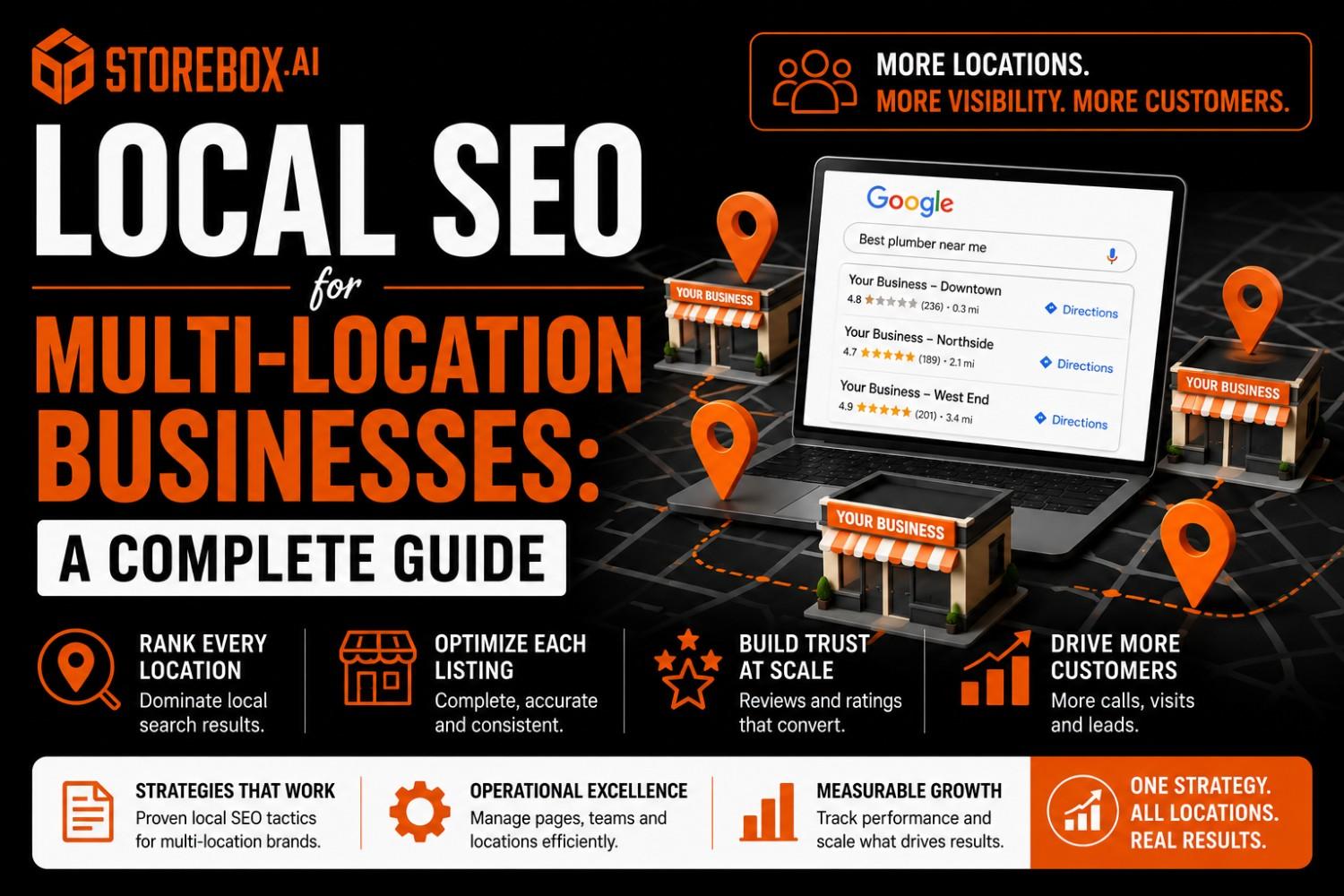
Each pin needs its own verified, separately managed Google Business Profile, not one listing trying to cover the whole map.
| Requirement | What it means for each location |
|---|---|
| One profile per address | No combined listings, even for locations a few miles apart |
| Verified, staffed address | PO boxes and unstaffed virtual offices are not eligible |
| Consistent NAP | Name, address, and phone must match exactly across the web |
| Unique description and photos | Copied profile content can suppress rankings for every linked location |
If you're only running one location today, our Google Business Profile audit checklist covers the fundamentals that every additional profile needs to get right from day one. Multiple Google Business Profiles under one business are completely normal and expected by Google, as long as each one represents a real address rather than a workaround for covering a wider territory from a single office.
Steps to Set Up Each New Location Correctly
Claim and verify each location as its own separate profile, never as an addition to an existing one
Set the primary category to whatever service that specific location leads with, even if it differs slightly from other branches
Add photos and a description unique to that address, not copied from another profile
Assign a manager role to someone at or close to that location, so hours and updates stay current locally
Put the new profile on the same audit schedule as every other location from the start
Managing this by spreadsheet gets harder at location six.
A dedicated page and reporting for every location, built and maintained for you.
Location Pages: Structure and Content
Every location needs its own page, not a shared page with a dropdown for city selection. That page should include the address, hours, a local phone number, directions specific to that spot, and at least one paragraph that couldn't be copied onto a different location's page without sounding wrong. Local team photos, location-specific testimonials, and neighborhood-level details all do this work. A generic paragraph about your services with the city name swapped out does not.
Location page seo best practices come down to the same principle applied consistently: build a template for structure, not for wording. The layout, the sections, and the fields can repeat across every location. The words inside them shouldn't. This is also where relying only on a Google Business Profile instead of a real website starts to show its limits, since a profile alone can't carry the depth a proper location page needs across dozens of addresses.
What Every Location Page Needs
Full address with an embedded map, not just a text line
Hours specific to that location, including seasonal or holiday differences from other branches
A local phone number, since a shared national number weakens the local relevance signal
Directions or parking notes specific to that spot
At least one testimonial from a customer of that exact location
A short section naming nearby neighborhoods or landmarks the location genuinely serves
Avoiding Duplicate Content Across Locations
This is the single biggest technical trap in multi-location SEO. When ten location pages share the same service description with only the city name changed, Google can index all ten but rank none of them well, since none of them stand out as the clearly better answer for their specific area. The fix is specificity, not volume: real local details, distinct testimonials per site, and service descriptions written for what that particular location offers, since branch hours, staff, and even service availability often differ more than franchise owners expect once someone bothers to check.
How to Make Each Location Page Genuinely Unique
Reference real neighborhood names, landmarks, or streets that customers would recognize
Pull staff bios or team photos specific to that branch, not a shared corporate headshot grid
List services exactly as that location offers them, since availability often varies branch to branch more than owners assume
Use customer quotes and reviews sourced from that specific address, not blended from the whole chain
Write the opening paragraph fresh for each page instead of adapting a master template with the city swapped out
Franchise-Specific Local SEO
Franchise operators carry an extra layer most single-location businesses don't deal with: corporate brand guidelines that were written for consistency, not for local search visibility. The tension is real. A franchise agreement might require identical messaging across every location, while ranking well requires the opposite: content specific enough to that address to look genuinely local. The franchises that handle this well treat brand guidelines as a floor, not a ceiling, keeping the required brand language while adding real local detail on top of it rather than instead of it.
If you're building out a multi-location presence for chiropractic, HVAC, or accounting practices specifically, our vertical guides for chiropractors, HVAC contractors, and accounting firms cover the industry-specific side of this before you multiply it across locations.
How to Balance Brand Consistency With Local Ranking
Keep required brand messaging intact, then add a genuinely local paragraph underneath it rather than replacing it
Use a local phone number and location-specific images even when the rest of the page follows a corporate template
Encourage local staff to collect reviews at that branch specifically, rather than funneling all reviews to one corporate profile
Let local managers add real community involvement or local partnerships instead of enforcing identical content chain-wide
Push back on any brand guideline that bans location-specific content entirely, since it directly limits how well individual locations can rank
Also Read
Local SEO for Electrical ContractorsRanking in Multiple Cities and States
Expanding from a handful of locations into a genuine multi-city or multi-state presence changes the math again. At this scale, a spreadsheet-based approach to managing profiles and pages breaks down fast, and the businesses that keep ranking well tend to be the ones running a repeatable system: a master record of accurate business information for every location, a consistent process for building each new location page, and someone specifically responsible for catching drift before it causes a suspension across multiple markets at once.
This applies whether you're a single brand expanding city by city or a chain like the ones covered in our guides for dentists and contractors, where the same industry-specific ranking factors apply, just repeated across more addresses. Our complete local SEO guide for small business covers the single-location fundamentals this system is built on.
What a Repeatable Multi-City System Needs
A single master spreadsheet or database holding the exact name, address, and phone number for every location
A standard checklist for launching a new location's profile and page, so nothing depends on memory
A recurring audit schedule that checks every listing against the master record, not just new ones
Review monitoring broken out by location, since one branch's reputation problem can quietly drag down others in search
One clearly assigned owner for the whole system, even if day-to-day updates are handled locally
Common Multi-Location SEO Mistakes
| Mistake | Fix |
|---|---|
| One generic listing for several addresses | Create a separate, verified profile for every physical location |
| Copy-pasted location pages | Write unique local details, photos, and testimonials per page |
| Inconsistent NAP across directories | Maintain one master record and audit against it regularly |
| No single owner for profile management | Assign one person or team to manage all listings on a schedule |
Small, avoidable errors like these are also worth checking against our broader list of common small business website mistakes, since several of the same patterns show up there too. Ongoing website maintenance across every location matters here as well, since a page that goes stale after launch is how drift creeps back in even after the initial setup was done correctly.
Also Read
Small Business Website ManagementTools, Agencies, and Done-for-You Options
At this point, most multi-location businesses are deciding between three paths: hiring the work out to an agency, buying software to manage it internally, or using a done-for-you platform that already handles the structure. Agencies that specialize in multi-location SEO tend to charge more than single-location retainers, since the work genuinely scales with the number of locations involved. If you're comparing that cost against other options, our breakdown of marketing agency pricing is a useful starting point before you sign anything, and our directory of reviewed agencies is worth a look if you decide an agency is still the right fit for your situation.
Multi-location seo software can help with the tracking and reporting side, but software alone doesn't write the unique content each location page needs or catch a franchise brand guideline that's quietly working against local rankings. That part still needs either a person or a platform built to do it.
%20(1).png)
Storebox's Pro Plan Was Built for Exactly This Structure
A dedicated page for every location, Google Business Profile management across all of them, and reporting broken out location by location rather than blended into one number that hides which branches are working and which aren't.
A dedicated, unique page for every location, not one shared page with a dropdown
Google Business Profile management across every location from one place
Reporting broken out location by location, so you can see exactly which branches are working
The same SEO and AEO monitoring covered in our piece on how long local SEO takes to show results, applied across every address
The same AEO and GEO approach that helps a single location get recommended by AI tools, multiplied across every branch
If you're weighing this against building it yourself or hiring it out:
How many Google Business Profiles can I have for one business?
How do I avoid duplicate content across multiple location pages?
What's the difference between local SEO and multi-location SEO?
Do I need a separate website for each location?
How do I rank multiple locations on Google?
What's the biggest mistake businesses make with multi-location SEO?
Managing this across ten locations looks a lot different than managing it across two.