Key Insights
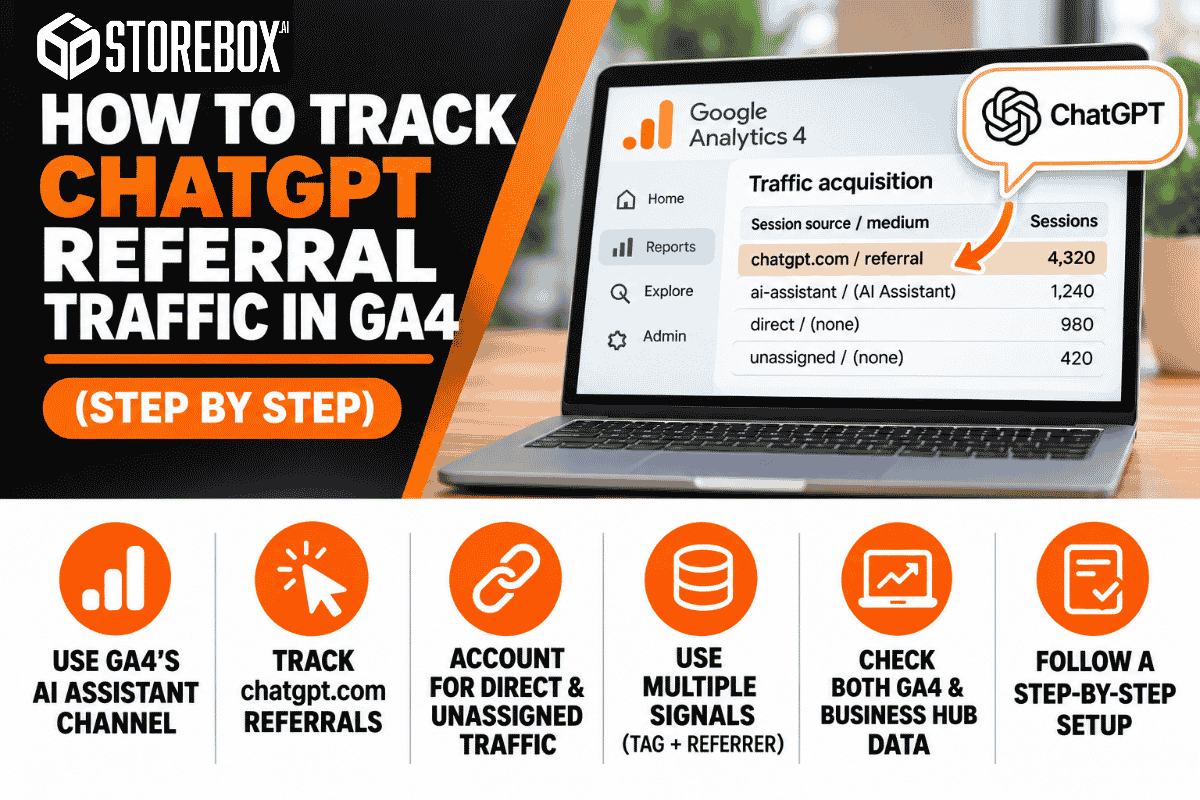
How to track ChatGPT referral traffic in GA4, and what it can't see.
Expand key insights
- GA4 now sorts some AI visits for you. Google added a default AI Assistant channel on May 13, 2026, with the medium ai-assistant, but Google hasn't published the full list of recognized assistants.
- The same ChatGPT click can land in three different channels. Clickport's testing shows that whether the referrer or the tag survives decides if a visit appears as AI Assistant, Unassigned, or Direct.
- OpenAI documents utm_source=chatgpt.com in referral URLs from ChatGPT search results, but a tag only declares a source, can be copied, and isn't on every link.
- ChatGPT dominates AI referrals, so it is worth tracking first. In Clickport's sample, 87.4 percent of AI referral traffic came from ChatGPT, and 33.1 percent carried only the utm_source=chatgpt.com tag with no recorded referrer.
- Never rely on one signal. For about a week from October 8, 2026, ChatGPT links stopped carrying the tag, and GA4 logged those visits as Direct.
- Each tool shows part of the picture. Business Hub reports mentions, website clicks, and discovery topics, GA4 reports sessions, and Search Console never lists ChatGPT.
How to Track AI Referral Traffic at a Glance
How to track AI referral traffic comes down to one uncomfortable fact: GA4 sees only the visits that announce where they came from. A click from a ChatGPT answer can arrive with a referrer, a tag, both, or neither, and each case lands in a different report row. Learning how to track AI referral traffic means building a setup that catches every signal and admits what it can't see.
87.4%
of AI referrals came from ChatGPT
33.1%
carried only the tag, no referrer
~1 week
of lost tags in October 2026
This guide shows how to track AI referral traffic, starting with how to track ChatGPT referral traffic in GA4, step by step: why visits hide, how to build an AI channel group, how to create a ChatGPT segment, how to tie those visits to leads, and what Business Hub and Search Console add. If you only learn how to track AI referral traffic once, set up the channel group and the lead question, since both work for every assistant.
Why ChatGPT Traffic Hides in GA4
GA4 classifies a visit from its referrer and any campaign tags on the URL. ChatGPT supplies those signals inconsistently. OpenAI says it adds utm_source=chatgpt.com to referral URLs from ChatGPT search results, and the FAQ applies to publishers who allow OAI-SearchBot. Our guide on why a business isn't showing up in ChatGPT covers that crawler.
| What the click carries | Where GA4 puts it | Why |
|---|---|---|
| A recognized chatgpt.com referrer | AI Assistant (chatgpt.com / ai-assistant) | GA4 matches the referrer to its AI list |
| The utm_source tag only | Unassigned (chatgpt.com / (not set)) | A source with no medium matches no channel rule |
| Neither tag nor referrer | Direct ((direct) / (none)) | GA4 has nothing to read |
| A Google AI Overview or AI Mode click | Organic Search (google / organic) | Google folds its own AI features into Search |
Clickport's tests show why the middle row exists: a link opened with noreferrer loses the referrer but keeps the tag. The tag is also only a label. It can be copied into a shared URL, so a tagged session isn't proof that someone clicked inside ChatGPT.
Step by Step: Build an AI Traffic Channel Group
The default AI Assistant channel is a good start, but Google hasn't published which assistants it recognizes, so build your own group to catch the rest.
Check the exact referrer domains your site receives
Open Reports, then Acquisition, then Traffic acquisition. Set the primary dimension to Session source / medium and search for each assistant. Domains change, so confirm each one in your own report before you write a rule.
| Assistant | Domains to look for | Note |
|---|---|---|
| ChatGPT | chatgpt.com, chat.openai.com | OpenAI's tag uses chatgpt.com |
| Perplexity | perplexity.ai | May sit in Referral |
| Gemini | gemini.google.com | Google's AI Overviews are separate |
| Copilot | copilot.microsoft.com | Some analytics tools also list edgeservices.bing.com |
| Claude | claude.ai | Often low volume |
| Grok | grok.com | Check whether it appears at all |
Create the channel group
In Admin, under Data display, click Channel groups, then Create new channel group to start from a copy of the default group. Add a new channel named AI assistants, add a condition on Source, and choose matches regex. Paste this pattern, edited to match the domains you confirmed:
.*(chatgpt\.com|chat\.openai\.com|perplexity\.ai|gemini\.google\.com|copilot\.microsoft\.com|claude\.ai|grok\.com).*The wildcards on both ends make the rule work whether GA4 treats the pattern as a full or partial match. Because the rule tests the source, it catches both the referrer case and the tag-only case that GA4 sorts into Unassigned.
Order the rules
GA4 applies channel rules from top to bottom, so drag your AI channel above Referral. Save the group and give it a clear name, such as Default plus AI.
Use the group in reports
In Traffic acquisition, switch the dimension to your new channel group. Google says custom channel groups can be applied to your reports retroactively, so your history updates. Don't choose it as the default for everyone yet. Compare it with Google's AI Assistant row for a few weeks first.
Test that the rule works
Open a private browser window and visit your homepage with ?utm_source=chatgpt.com added to the address. Clickport recommends adding the tag to a destination and inspecting the URL your site receives. Standard reports can take a day to update, so check Traffic acquisition tomorrow and confirm the test visit appears in your AI channel, not in Direct or Unassigned. If it lands elsewhere, check that the AI channel is placed above Referral and that your regex matches the source exactly as GA4 spells it.
Rather have it set up for you?
Storebox builds your website with source tracking in every form and reports ChatGPT visits in your monthly report.
Get My Free Proposal →Create a ChatGPT Segment and an Exploration Report
A channel group shows the total, and a segment lets you study what ChatGPT visitors do.
- Open Explore and create a Free form exploration.
- Under Segments, add a Session segment with the condition Session source contains chatgpt, and name it ChatGPT sessions.
- Add Session source / medium and Landing page as rows.
- Add Sessions, Engaged sessions, and Key events as values.
- Drop the segment in as a comparison.
To count tagged landings, add Landing page plus query string as a row and filter for utm_source=chatgpt. That works only if your data stream keeps query parameters.
Connect AI Visits to Leads
A session count doesn't pay the bills, so tie visits to leads in three ways.
1. Mark your lead event as a key event
In Admin, under Data display, open Events and mark your form submission, call click, or generate_lead event as a key event. Then your segment shows leads per ChatGPT session.
2. Capture the source in your form
Add hidden fields that store the page referrer and any utm_source value, and send them to your CRM with the lead. That keeps the source when a visit lands in Direct but the form carries a tag from an earlier page.
3. Ask "How did you find us?"
Add a required question with an option for "ChatGPT or another AI assistant." Customers who never click a link still tell you. Put it on contact forms, booking forms, and your intake script. Our free work order template is a handy place to record the answer, and our marketing playbook covers building the habit.
Business Hub, GA4, or Search Console: What Each Shows
| Tool | What it shows | What it misses |
|---|---|---|
| ChatGPT Business Hub | Mentions, website clicks, and discovery topics | Anything after the click, and businesses you haven't claimed |
| GA4 | Sessions, behavior, and key events by source | Clicks that arrive with no referrer and no tag |
| Search Console | Google Search traffic, with AI features inside the Web search type | ChatGPT entirely |
Business Hub needs a claimed profile and the Persona identity check, which our claim walkthrough and Business Hub guide explain. If you're also deciding between platforms, see our comparison of ChatGPT and Google Business Profile.
The October 2026 Tagging Gap
For about a week, ChatGPT referral tracking broke on OpenAI's side. BuildMVPFast reports that links in answers stopped carrying the utm_source=chatgpt.com tag and opened with no referrer, so GA4 logged those clicks as Direct. Sitebrunch reports that OpenAI confirmed the bug, that almost all links carried the tag again from October 16, and that the referrer is still missing on most clicks. Visits recorded during the outage stay in your data as Direct.
To check your own data, compare the ChatGPT rows and the (direct) / (none) row for October 8 to 15 against October 1 to 7. A drop in ChatGPT with a matching rise in Direct points to the outage. Add a note to your reporting so nobody reads the dip as lost demand.
This is why you can't rely on one signal. Each method catches something the others miss:
| Signal | What it catches | What it misses |
|---|---|---|
| Channel group on source | Visits with a recognized referrer or the tag | Visits with neither |
| The utm_source tag | Clicks where the tag survives | Links without it, and copied links that mislead |
| Hidden form fields | Leads whose source reached the form | Visitors who never fill in a form |
| "How did you find us?" | People who saw you in ChatGPT and called, or searched your name later | People who skip the question or misremember |
Together they give a fuller read than any one alone.
What We'll Publish Next: Business Hub Clicks Versus GA4 Sessions
One comparison will measure hidden traffic. For the same 28 days, compare Business Hub website clicks with GA4 sessions from chatgpt.com. The difference is an estimate of visits GA4 can't see.
It is rough, since Business Hub counts clicks and GA4 counts sessions, but a consistent pattern across sites is worth publishing. We're collecting this from client sites now and will add the results here, with nothing estimated.
How Storebox Helps
Storebox builds the website, listings, and ChatGPT setup that give you something to track:
- ChatGPT setup. We find your listing, run the verification, and complete your profile in Business Hub where your business type is eligible, so Business Hub insights are connected. You finish only the Persona identity check, which needs your own ID. See our ChatGPT business profile page.
- A monthly performance report and ongoing SEO, AEO, and GEO work aimed at recommendations from ChatGPT and other assistants.
- A website structured for AI assistants, with plain-text pages and forms that capture where each lead came from.
Once you're tracking visits, our guides on how to get recommended by ChatGPT and how to show up in AI results cover how to earn more of them.

The Starter plan is $100 a month, with your website, ChatGPT setup and monthly reporting handled for you.
Starter plan
We handle it all.
$100 / month
Website and hosting included
- A new website, hosted and edited for you, or integrated with your current one
- ChatGPT Business Hub setup and monthly insights reporting
- Blog writing & content, done for you (up to 30 pieces in your calendar)
- Keyword research & competitor analysis
- SEO: aimed at Google page 1
- AEO & GEO: aimed at ChatGPT, Gemini, Claude, Grok, Perplexity and Google AI Overviews
- AI assistant ready: your site structured so Meta Muse and other personal AI assistants can find and book you
- Google Business Profile optimization
- Every inquiry answered in seconds, on your website and WhatsApp, with CRM follow-ups
- Review and referral requests
- Monthly performance report
Frequently Asked Questions
How do I track AI referral traffic in GA4?
How do I see ChatGPT traffic in GA4?
Why does ChatGPT traffic show as Direct in GA4?
What does utm_source=chatgpt.com mean?
Why is some ChatGPT traffic in Unassigned?
Does Search Console show ChatGPT traffic?
Can I track Perplexity, Gemini, and Claude the same way?
How do I attribute leads to ChatGPT?
Sources
- OpenAI Help Center, Publishers and Developers FAQ
- Google Analytics Help, Custom channel groups
- Google Analytics Help, Default channel group
- Google Search Central, AI features and your website
- Search Engine Journal, Google Analytics adds AI Assistant as default channel group
- Clickport, Why ChatGPT traffic shows as Direct in GA4
- BuildMVPFast, ChatGPT referral tracking and the GA4 UTM bug
- Sitebrunch, ChatGPT without referrer and UTM
- Search Engine Land, ChatGPT Business Hub is now live
Know where your leads come from
Get a free website draft with source tracking built in, plus our proposal.
Get a Free Website Draft →